Your next chapter. In your language.
Read manga from websites and local files with Manga Translate. Keep the artwork in view, follow the dialogue, and enjoy the story.
- Browse manga websites and translate pages without leaving the reader.
- Import local manga into your library and return to your reading progress.
- Choose standard translation or AI translation with adjustable style and terminology.

- Browse
- Manga websites
- Read
- Your own library
- Translate
- Standard or AI
A built-in browser with favorites and reading history.
Local files, saved progress, and translated dialogue.
Choose how you want your manga translated.

Follow the story, panel by panel.
Bring manga websites and your local collection into a reading experience built for translation.
Original artwork from the app’s onboarding.

Built around the way you read manga
From finding a chapter to following its dialogue, keep your reading in one place.

Read on the web
Open manga websites in the built-in browser, save favorites, and translate the current page.
- Return to recently visited pages.
- Choose the language and translation mode while reading.

Keep your manga together
Import supported local files into your library and read with translations placed over the page.
- Keep your reading progress.
- Fit translated text to the detected manga regions.

Make dialogue easier to follow
Use standard translation or choose AI translation with preferences for style, honorifics, names, and terminology.
- Optional Japanese recognition package for difficult text.
- Floating translation for manga in other Android apps.
A few preferences. A better reading experience.
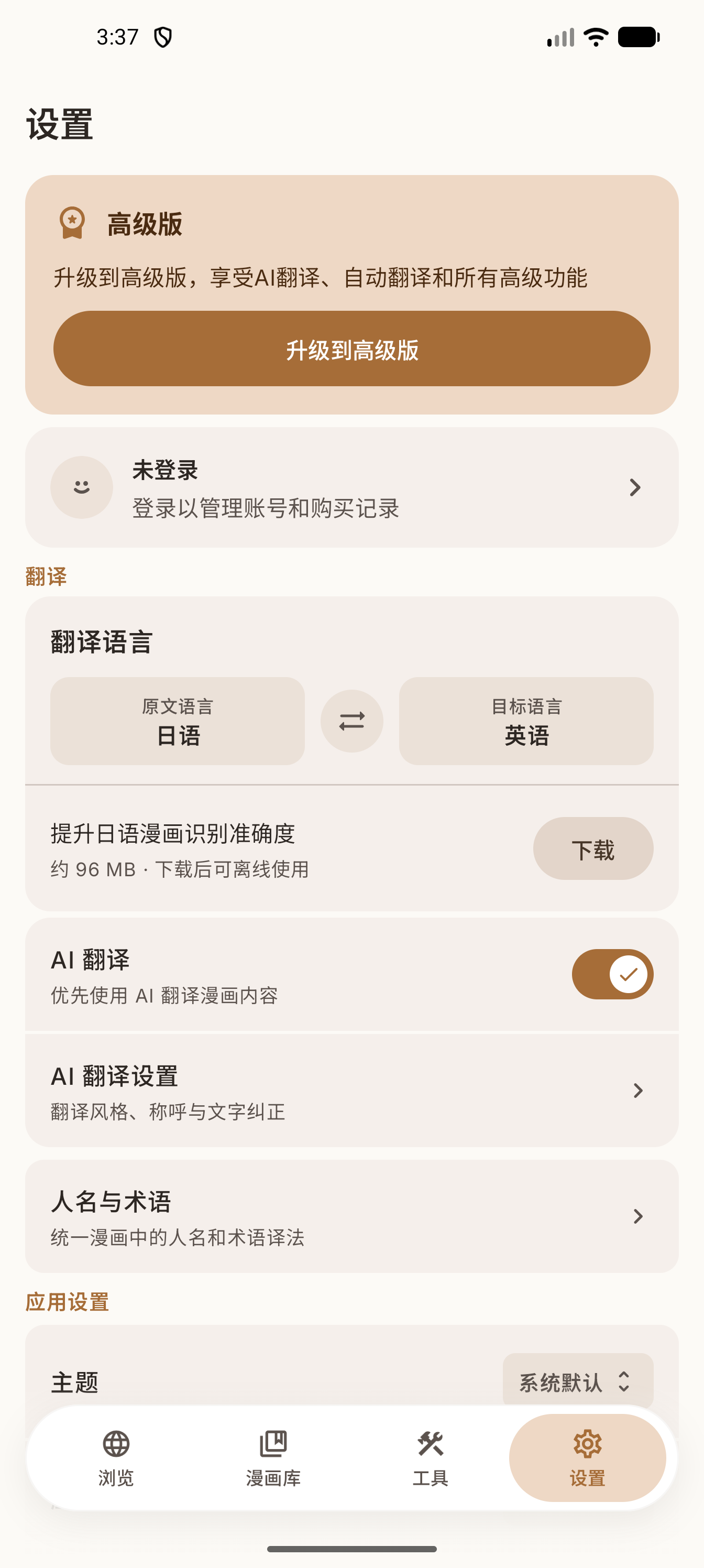
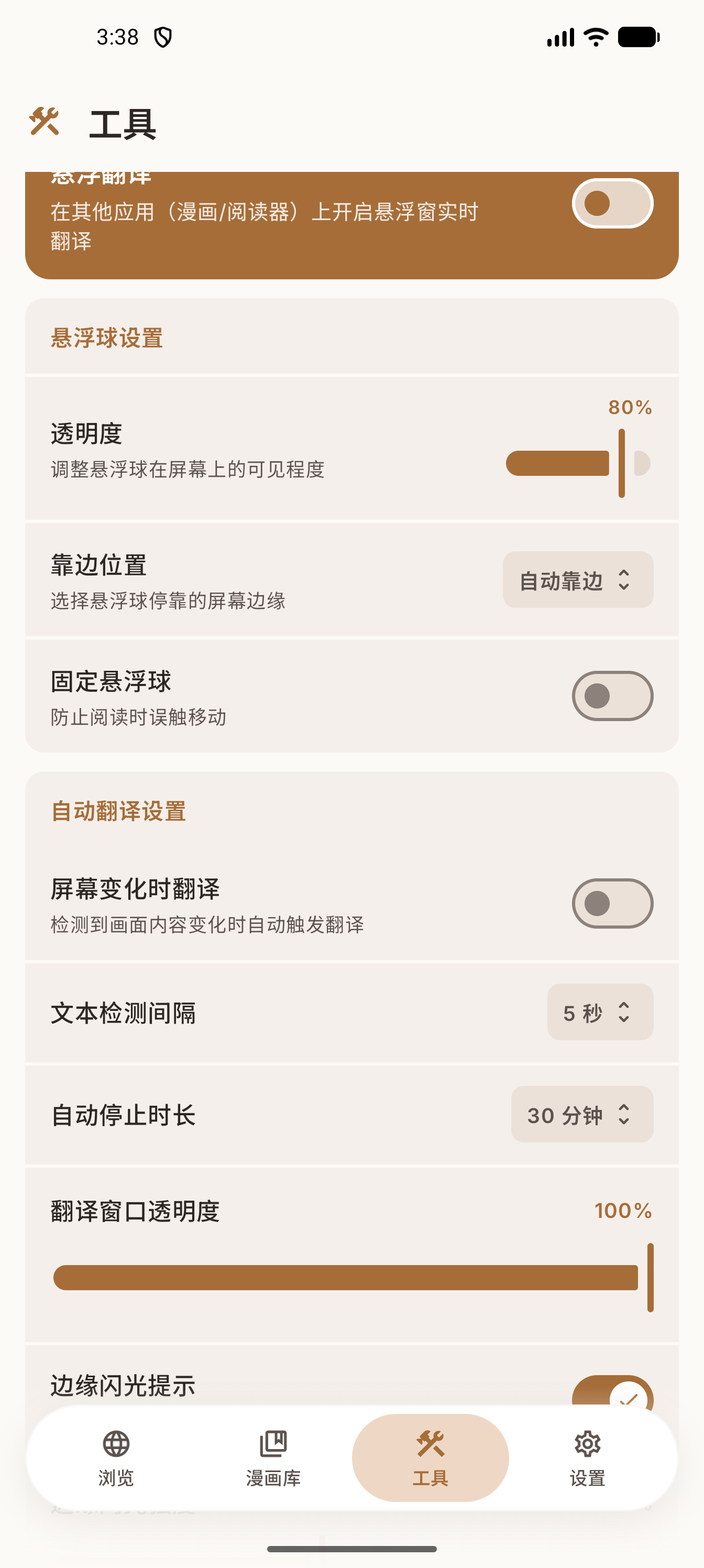
Real screens from the Android app, shown in Simplified Chinese. Set your translation preferences and customize the floating reader controls.
Start your next chapter
Get Manga Translate for Android. Available plans and prices are shown in the app and on Google Play.
Need help instead? Email [email protected].